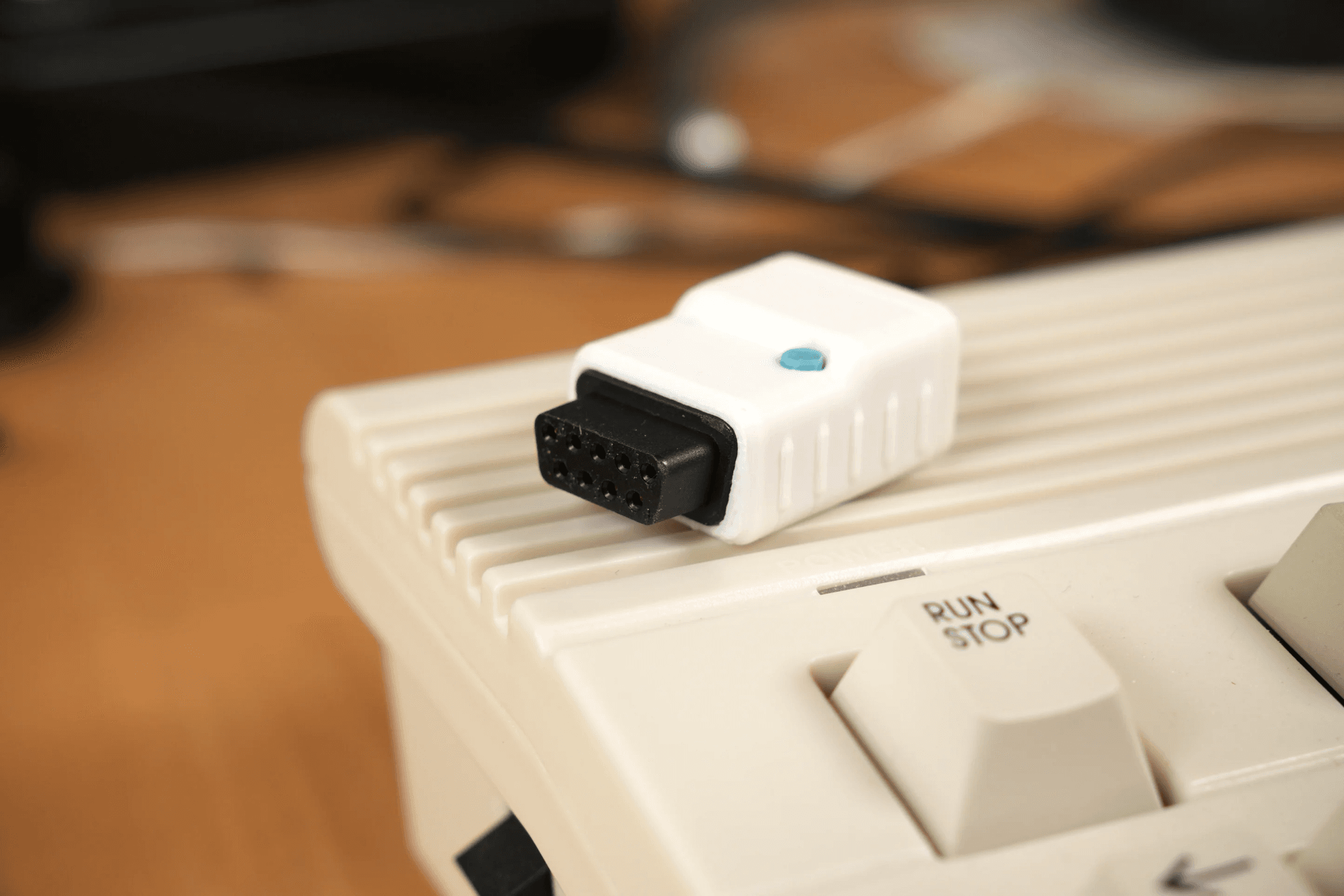
USB4AMI
Use modern USB gamepads and mice on Amiga, Commodore 64/128, Atari computers, MEGA65, and other compatible DB9 systems.
Joypad makes controllers universal today and intelligent tomorrow. Test your controller, find compatible hardware, or build with JoypadOS.
Shop adapters made by Joypad and products from licensed JoypadOS makers. Every listing shows who makes it, who supports it, what it connects, and where to buy it.

Use modern USB gamepads and mice on Amiga, Commodore 64/128, Atari computers, MEGA65, and other compatible DB9 systems.

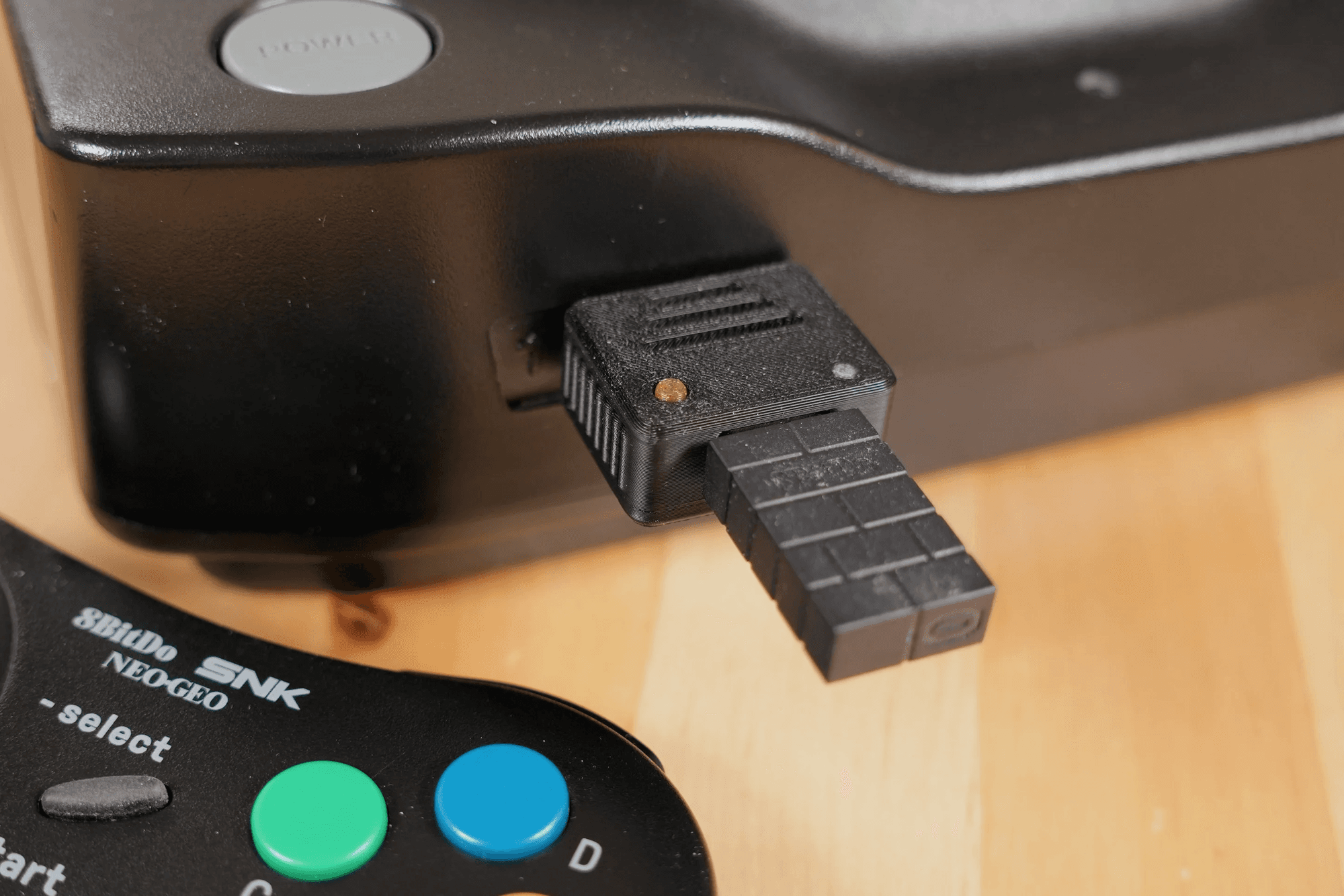
Use USB gamepads, arcade sticks, and mice on the SNK Neo Geo AES and MVS.

Use supported USB controllers on modern USB hosts with profiles, remapping, macros, and browser-based configuration.

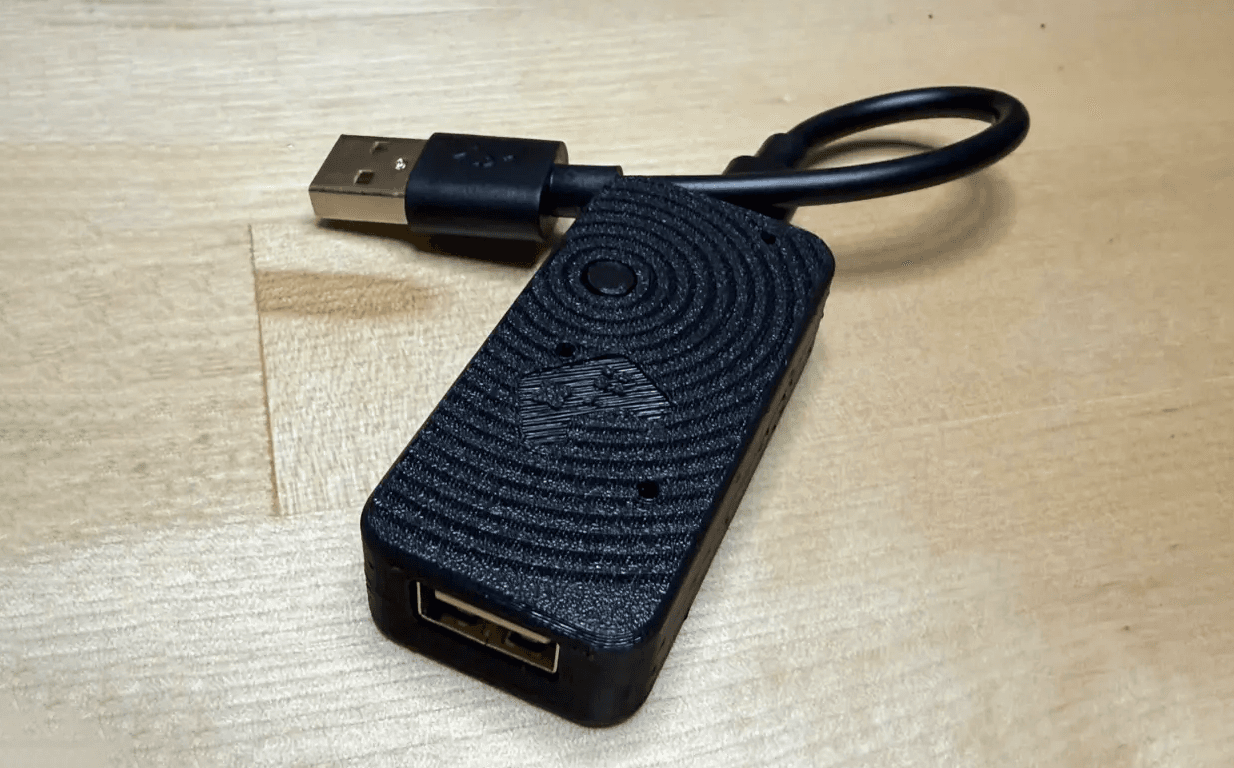
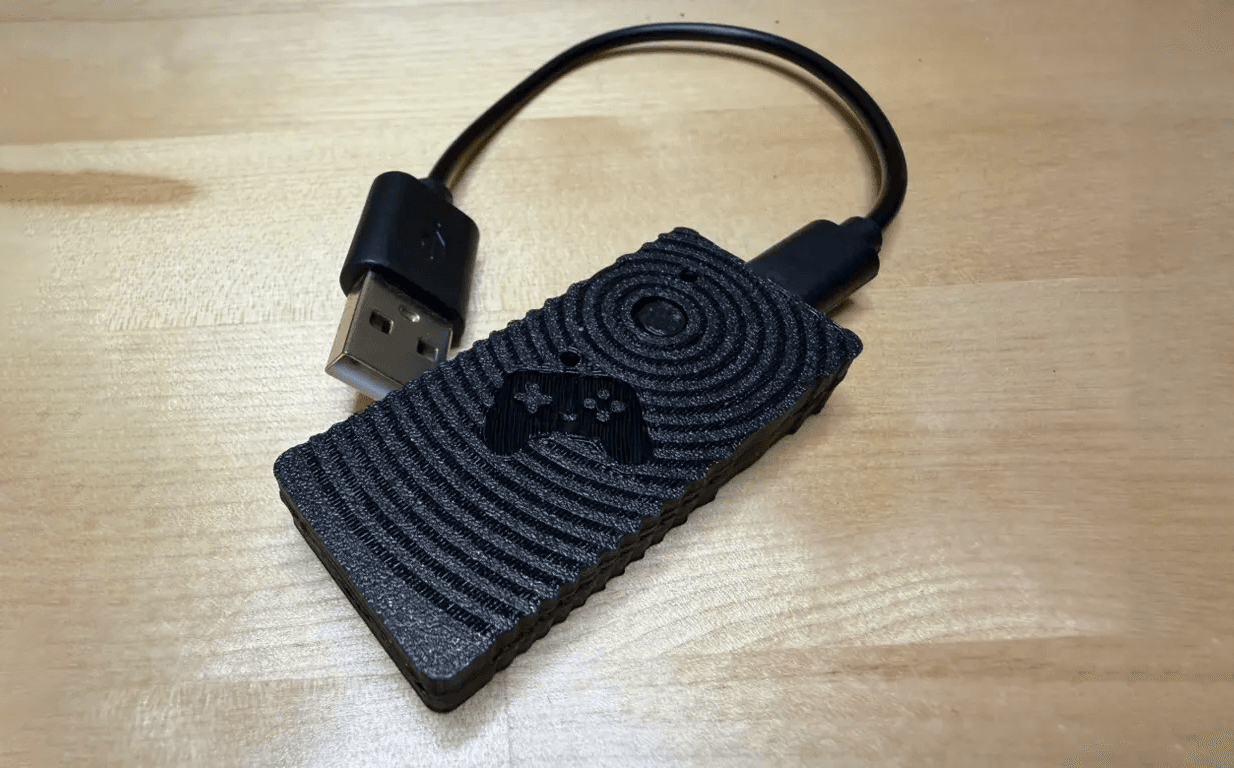
Use supported Bluetooth controllers on devices that accept a standard USB gamepad.

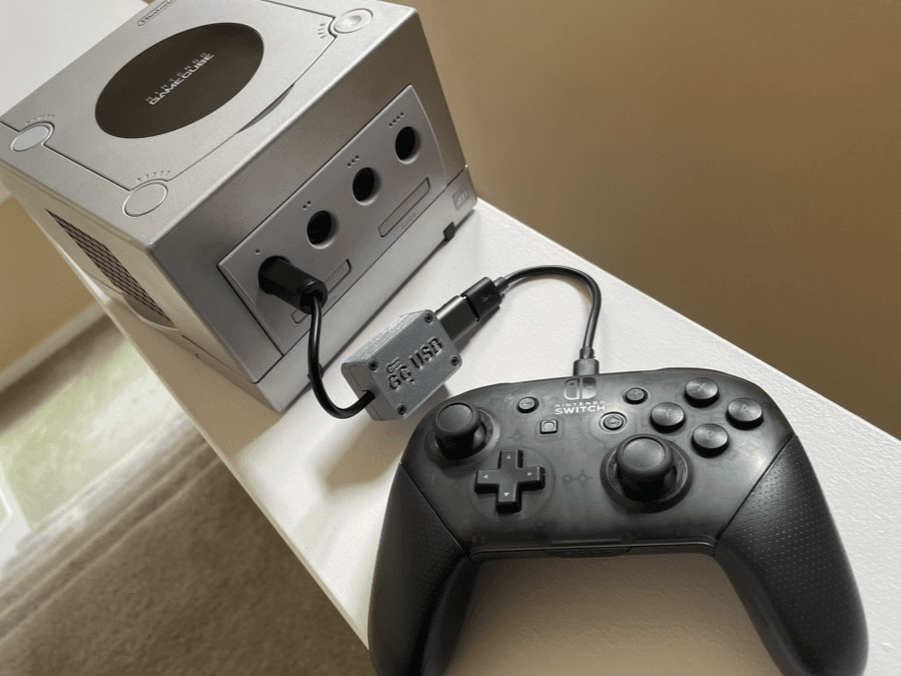
Use supported USB controllers on GameCube and Wii, with analog controls, rumble, calibration, and per-game profiles.

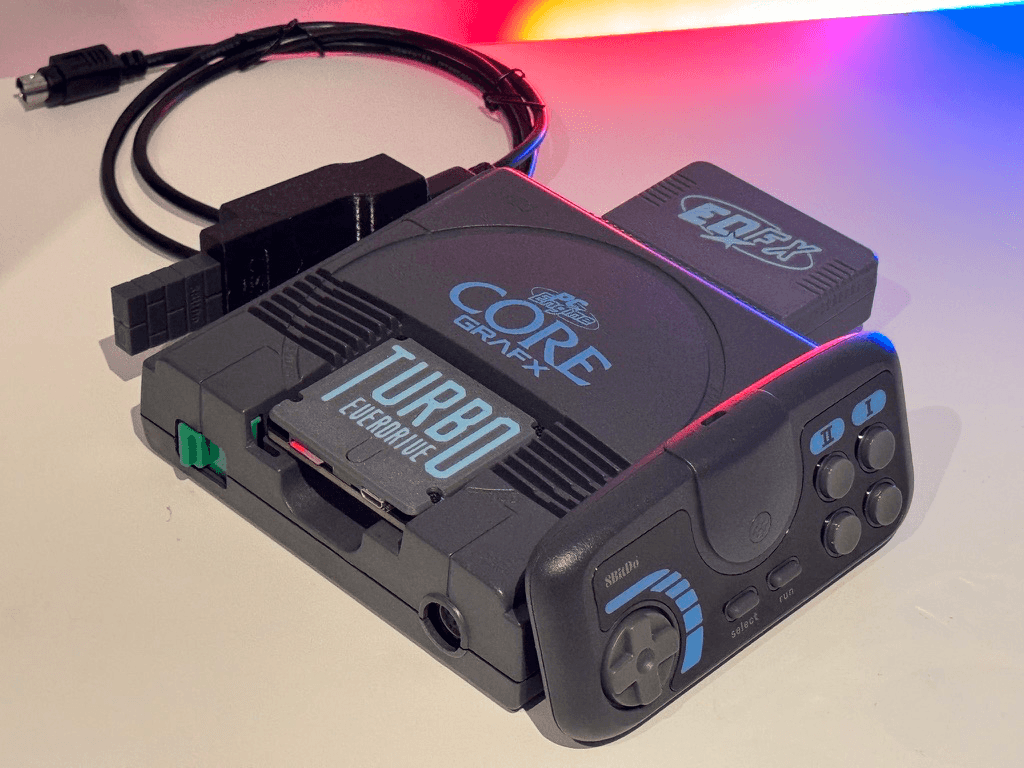
Use supported USB controllers on PC Engine and TurboGrafx-16 in 2-button, 6-button, mouse, and multitap modes.

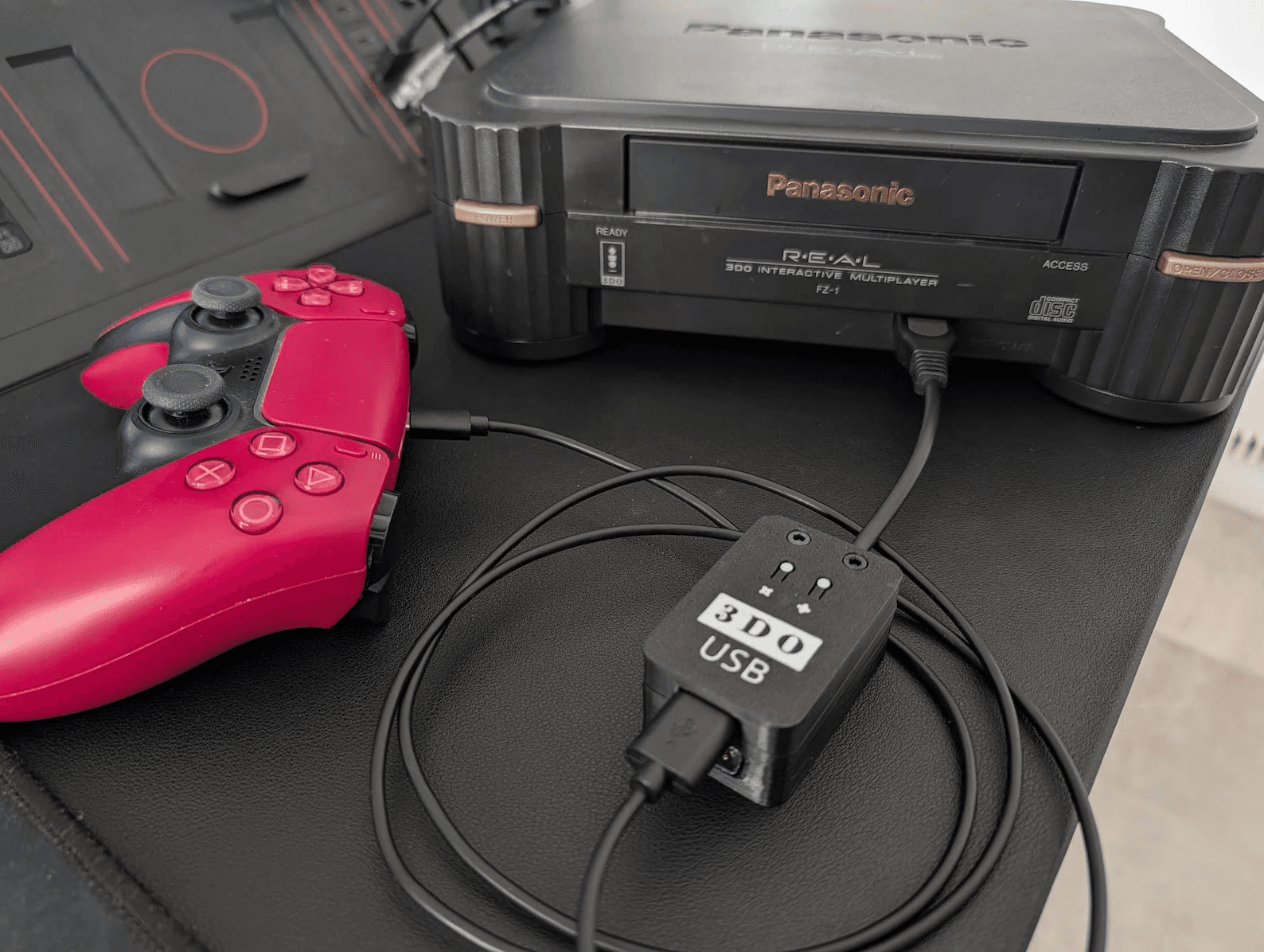
Use USB controllers, arcade sticks and mice on a 3DO.

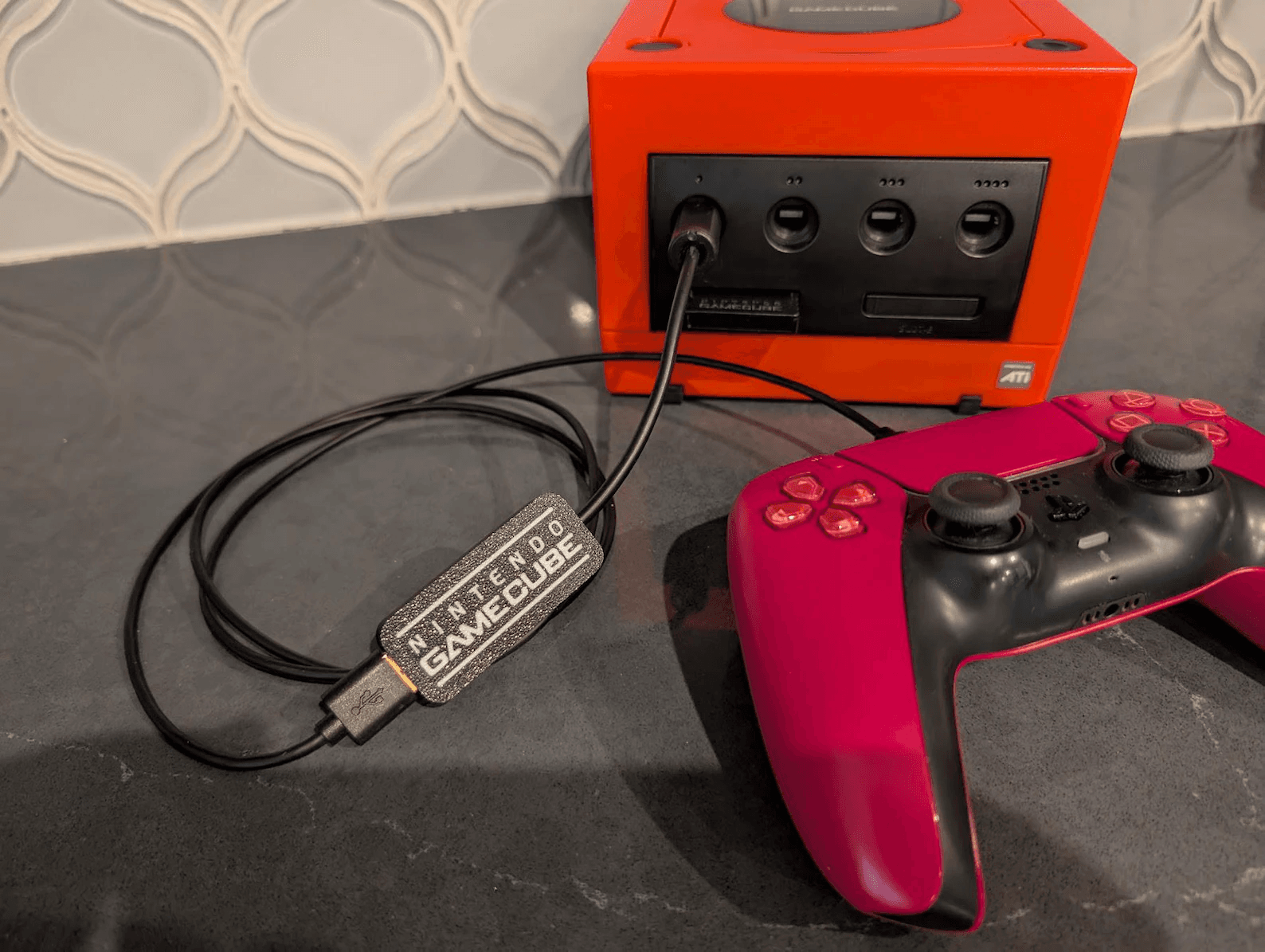
Use USB controllers, arcade sticks, keyboards, and mice on a GameCube.
Test what is in your hands, find where it works, or connect it somewhere new.
Check buttons, sticks, triggers, drift, and browser mappings in real time.
Open the tester →See what a controller supports, how it connects, known quirks, and which Joypad products work with it.
Find your controller →Use modern controllers on retro consoles, Bluetooth controllers over USB, and more.
Browse adapters →Create adapters, custom controllers, and assistive input devices with open-source firmware.
Explore JoypadOS →Meet the customizable gaming companion Joypad is building to move with you across controllers and games.
See the vision →Joypad is connecting controller detection to compatibility details, adapters, setup guides, and JoypadOS support—so every result becomes more useful.
Search by model, platform, protocol, or connection type. See browser mappings, supported features, known quirks, JoypadOS support, compatible adapters, and setup guides.
See browser mapping, adaptive trigger and motion capabilities, JoypadOS input and output support, compatible products, and setup notes.
Understand its analog stick, six-button layout, Z trigger, Rumble Pak behavior, native protocol support, and modern adapter options.
Compare connection modes, browser mappings, motion and rumble support, JoypadOS compatibility, and recommended profiles.
Review XInput behavior, analog trigger values, rumble support, browser mappings, JoypadOS profiles, and compatible adapters.
Map keys into controller inputs, build specialized control layouts, and explore accessibility and custom-input workflows.
See analog trigger behavior, octagonal stick gates, rumble support, native input and output support, and adapter options.
JoypadOS gives makers reusable controller drivers, console and USB outputs, remapping, profiles, and web configuration for adapters, custom controllers, and assistive devices. It is the same open platform behind Joypad hardware and official partner products.
Connect modern, retro, custom, and accessibility inputs to PCs, consoles, and other controller targets.
Get reliable setup, profiles, firmware updates, and compatibility across JoypadOS-powered products.
Start with reusable controller drivers, protocol outputs, reference hardware, and build targets instead of reverse-engineering everything yourself.
Build on a shared firmware platform and bring official products to the JoypadOS ecosystem.
Set up a device, install firmware, build an adapter, diagnose a controller, or learn how a protocol works. Each guide brings the hardware, firmware, wiring, compatibility, and troubleshooting steps together.
Choose the right release, enter bootloader mode, install the firmware, and confirm the device is ready.
Read the guide →Follow the hardware, wiring, firmware, calibration, rumble, and enclosure steps from start to finish.
Open the build guide →Remap buttons, build macros, tune sticks and triggers, and switch output modes from the browser — no install required.
Open the configurator →Check raw values, center stability, circularity, trigger range, and signs that a controller may need repair.
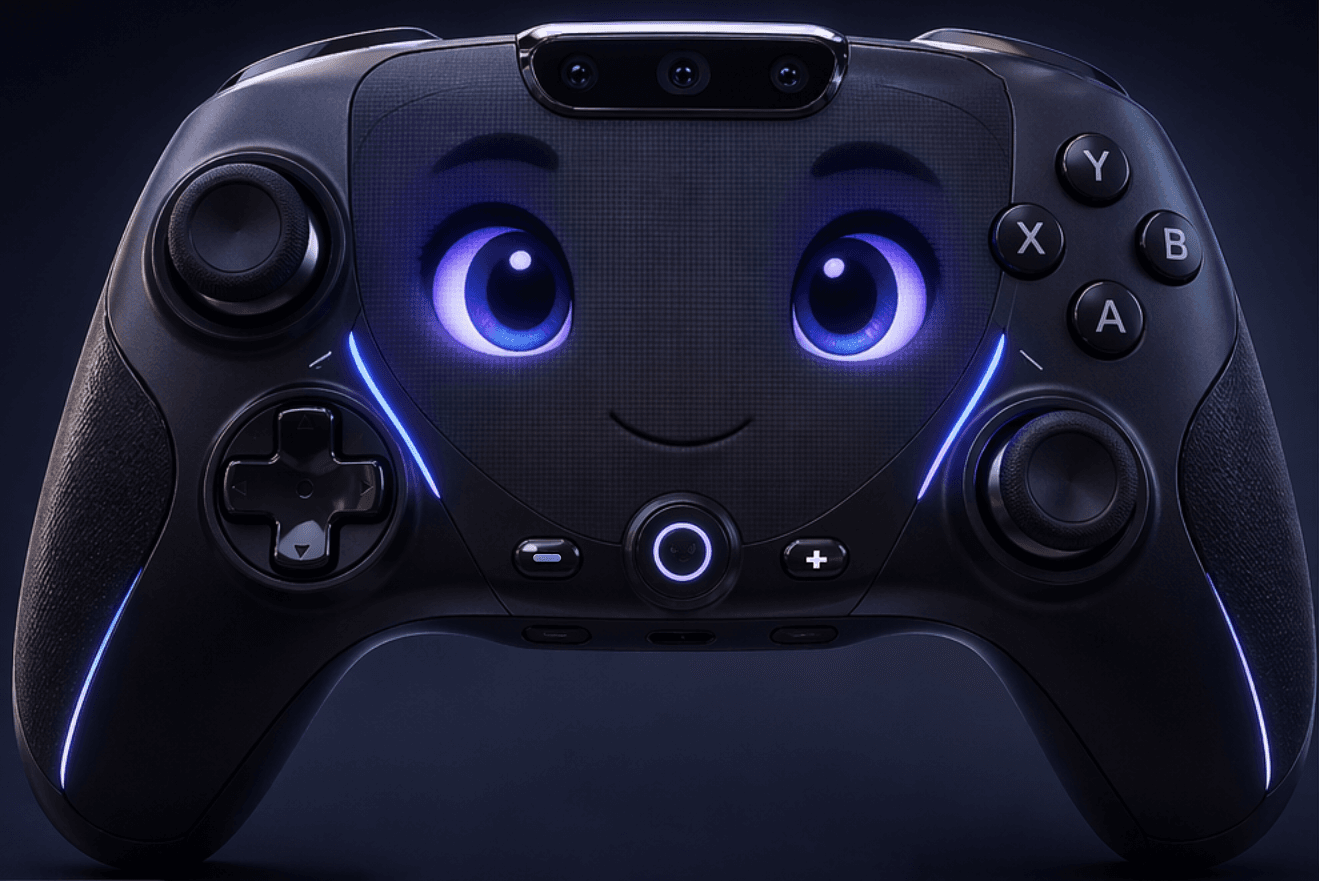
Test your controller →Joypad is building a customizable gaming companion that can move with you from controller to controller. It can see and hear the game, talk with you, remember how you play, and eventually play alongside you.

Joypad grew from years of reverse-engineering controller protocols, building open firmware, shipping adapters, and helping players use the controllers they already love. Joypad brings that work together so players, builders, and hardware makers can share one controller foundation.